01 / Module
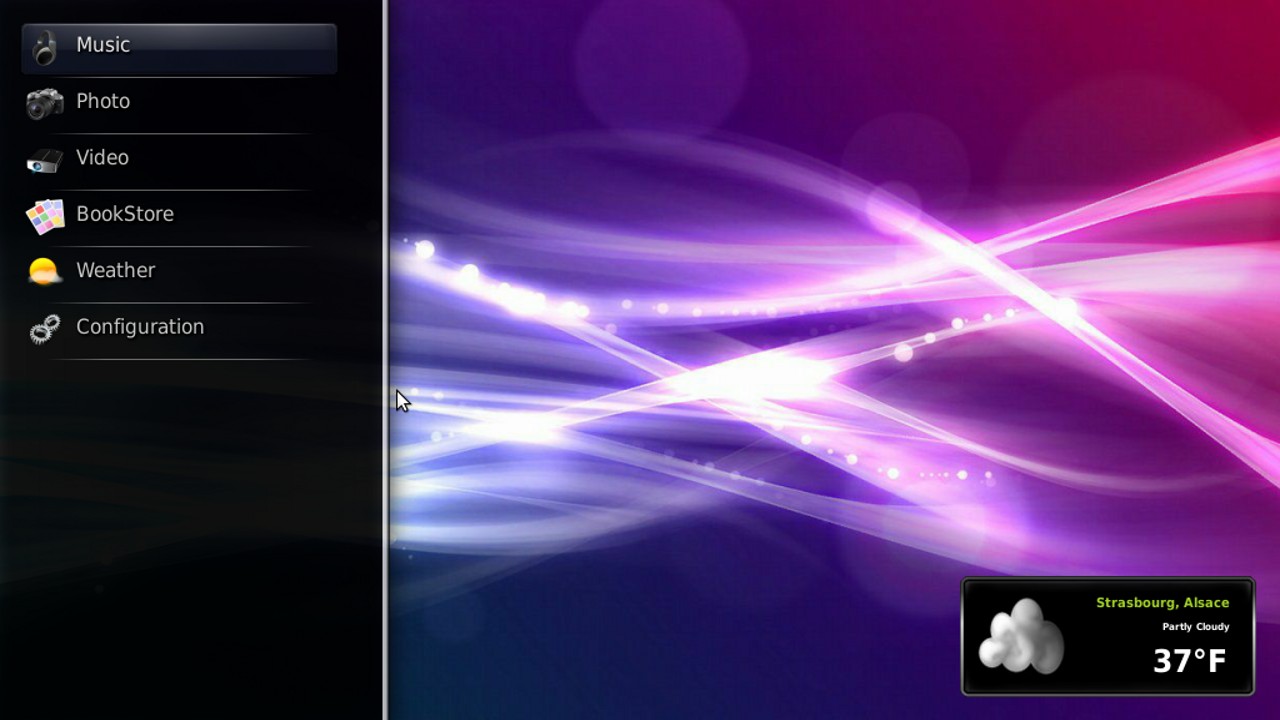
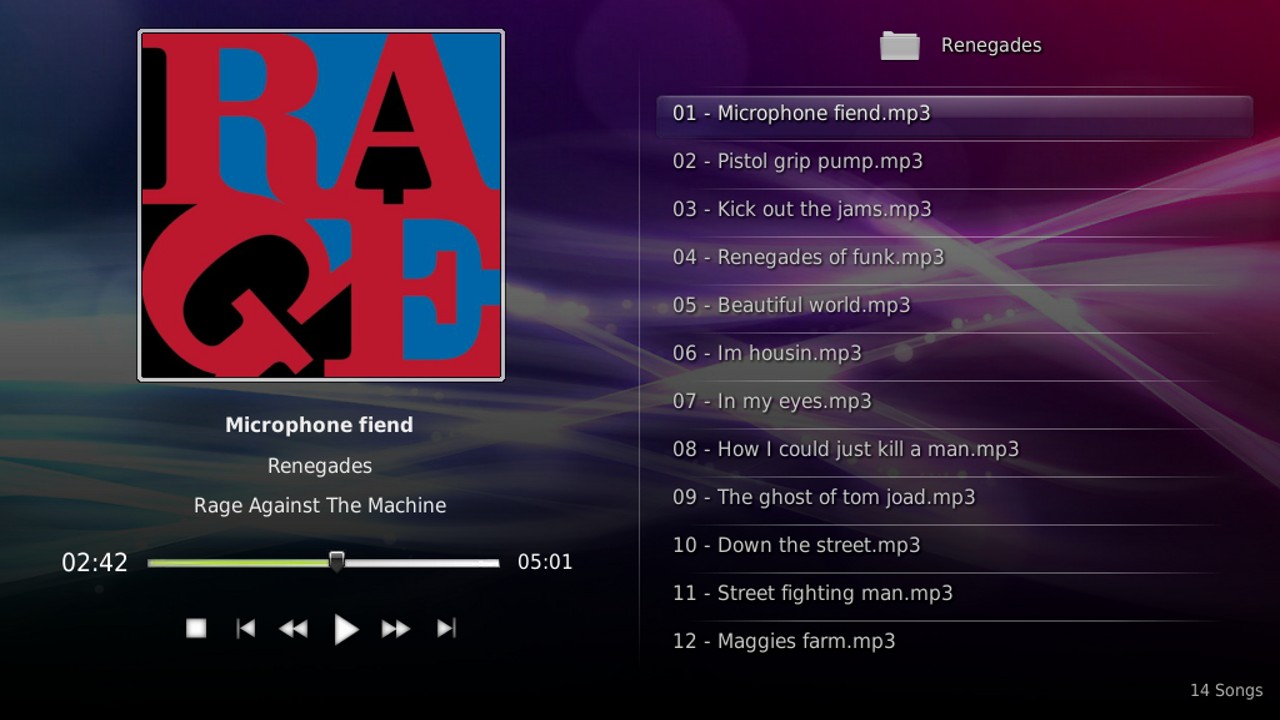
Music
Menu and playback-oriented views for browsing a library, selecting a recording, and keeping essential media information within reach.
Interface reference archive
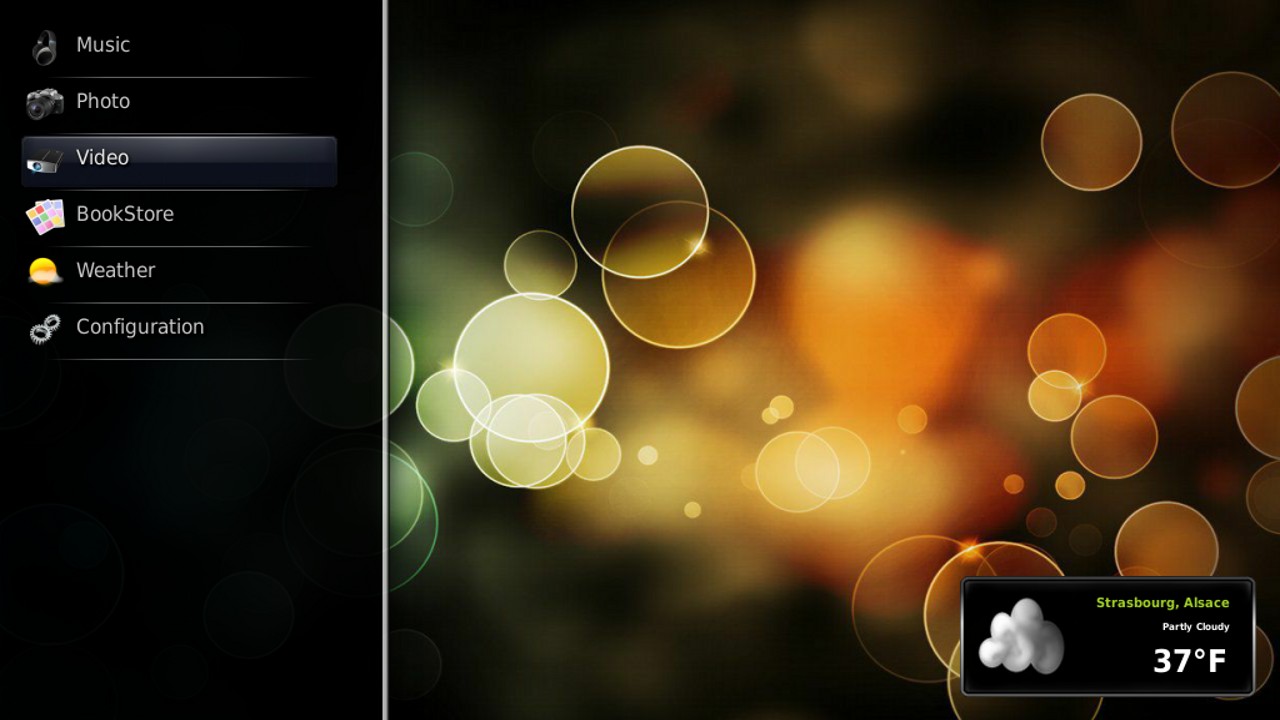
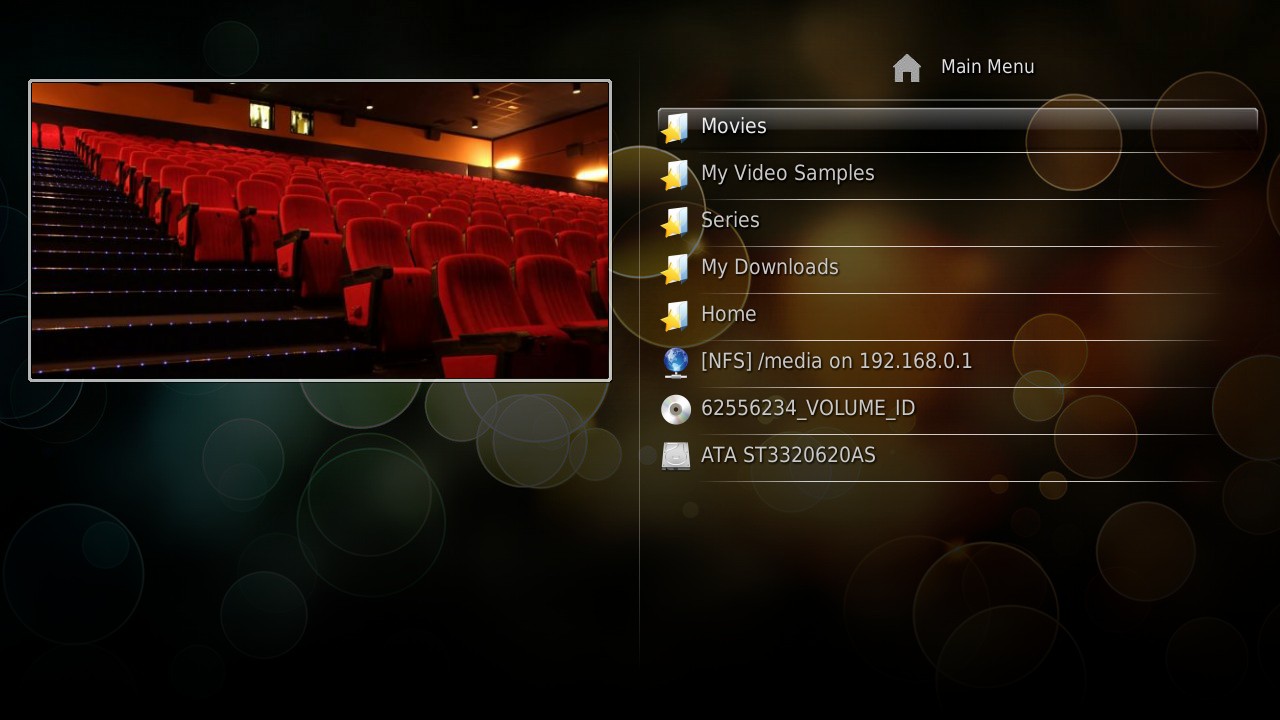
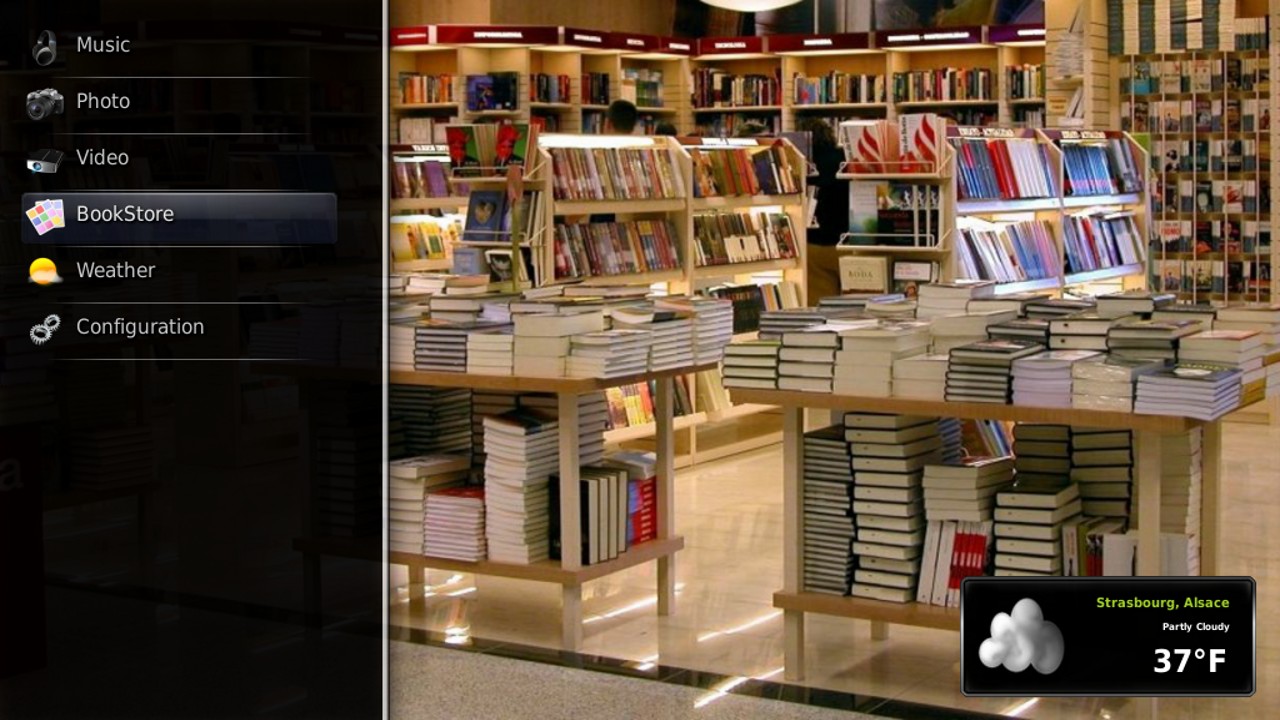
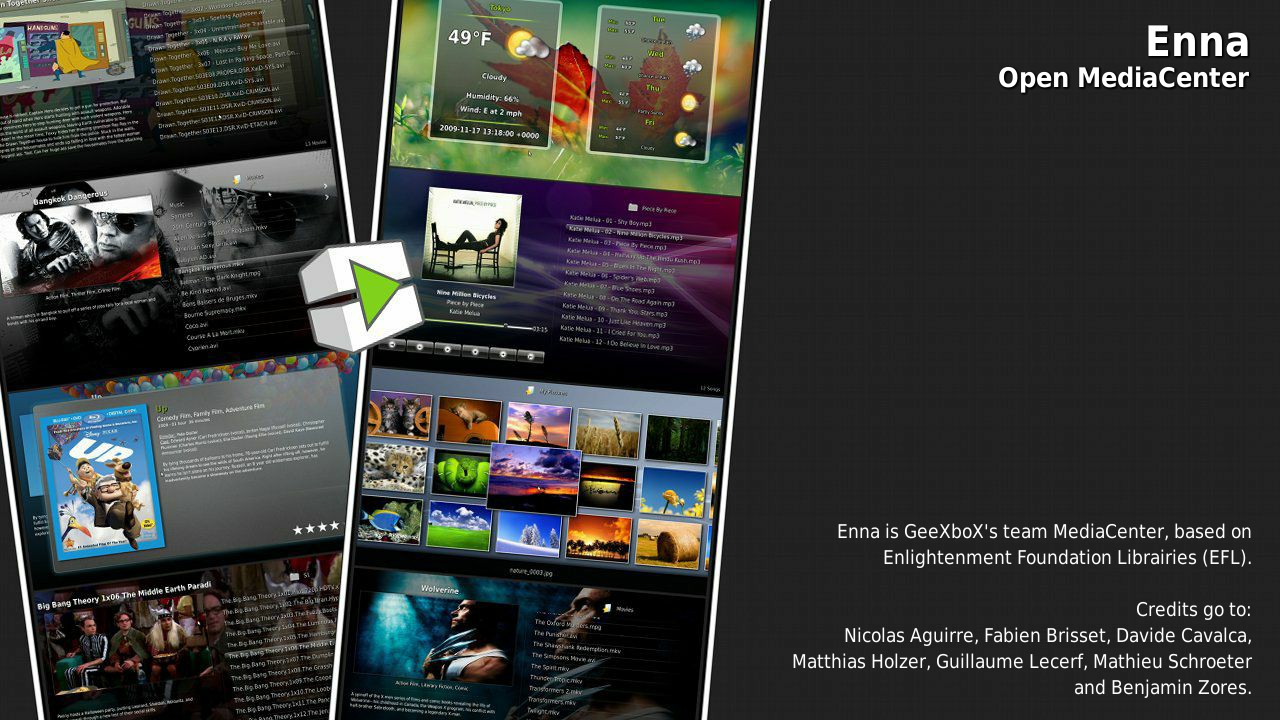
This visual archive records key media modules and system views: music, photographs, video browsing, reading material, weather, and configuration screens.
Gallery index
The original gallery documented work in progress across several interface areas. These updated reference views retain that structure while making each module easier to scan.
01 / Module
Menu and playback-oriented views for browsing a library, selecting a recording, and keeping essential media information within reach.
02 / Module
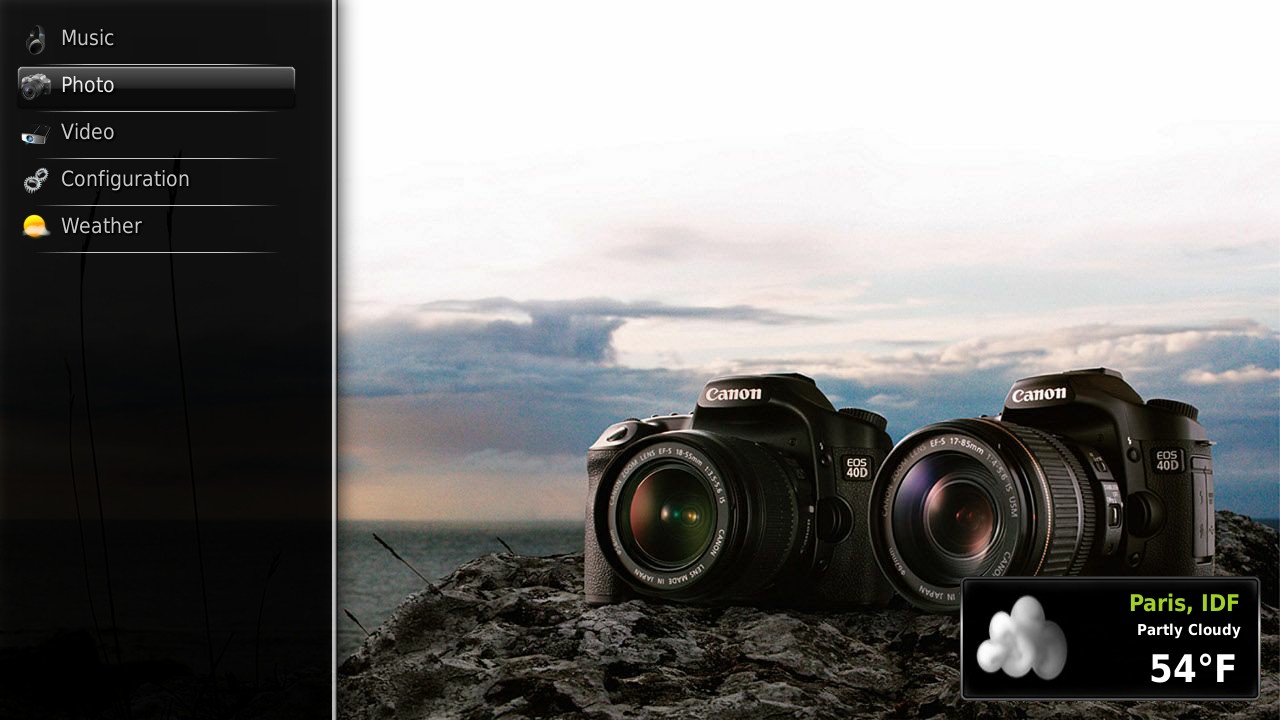
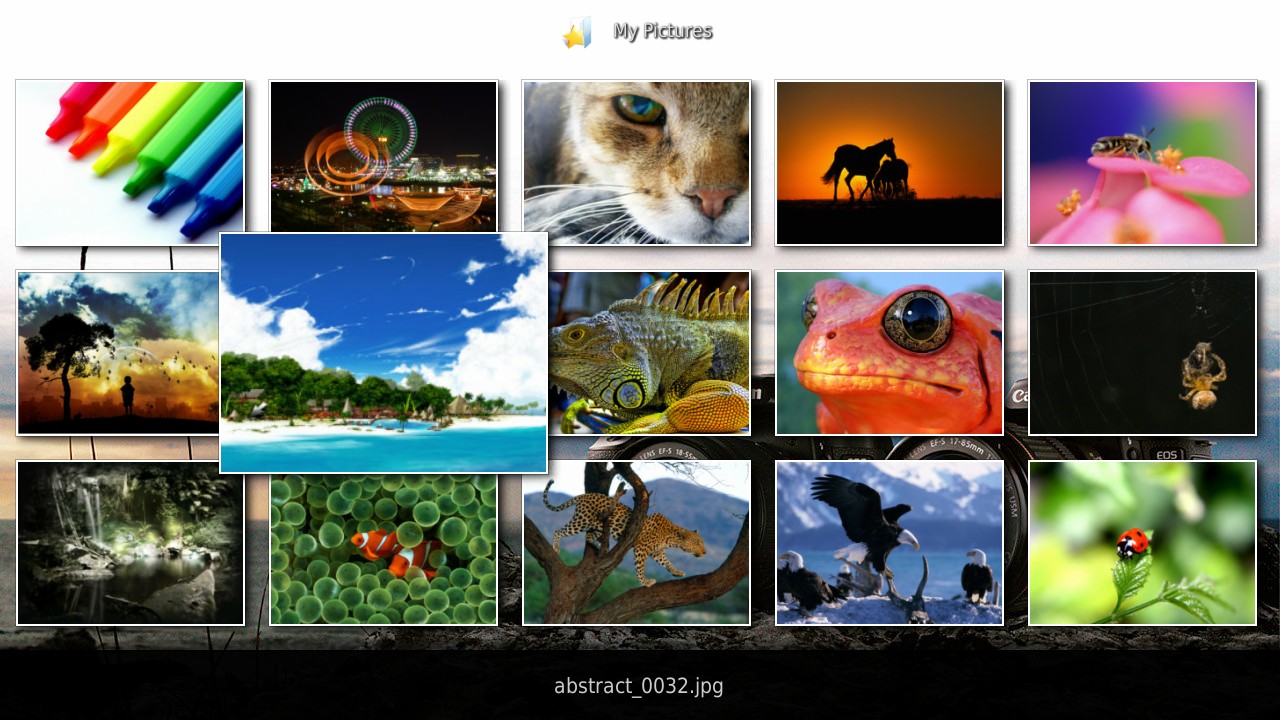
Image-oriented navigation designed for browsing collections and moving from a menu view to a wall-style presentation.
03 / Module
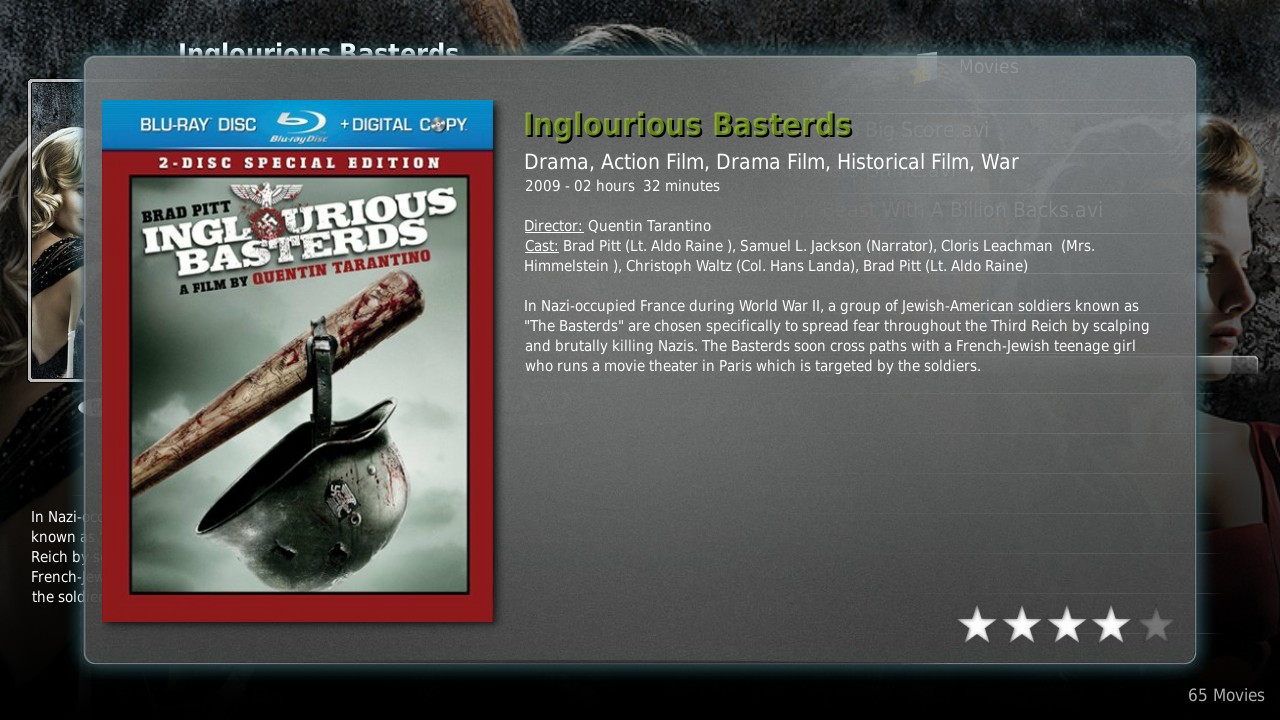
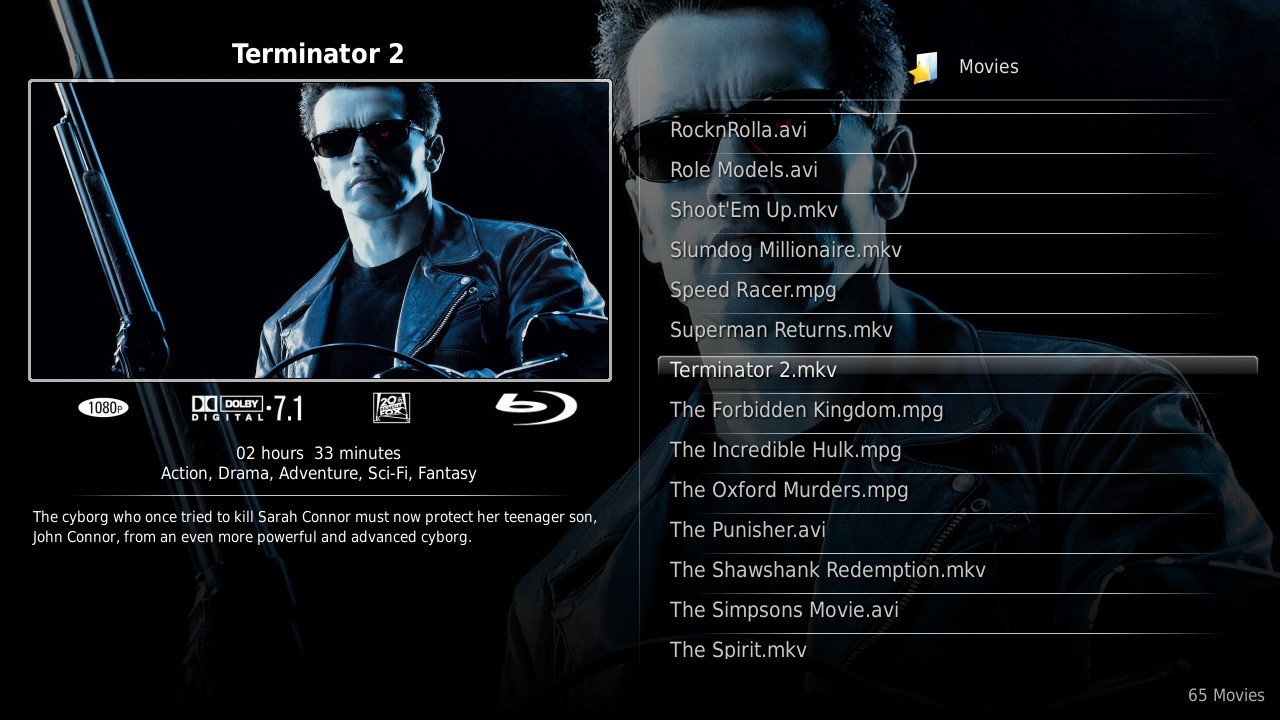
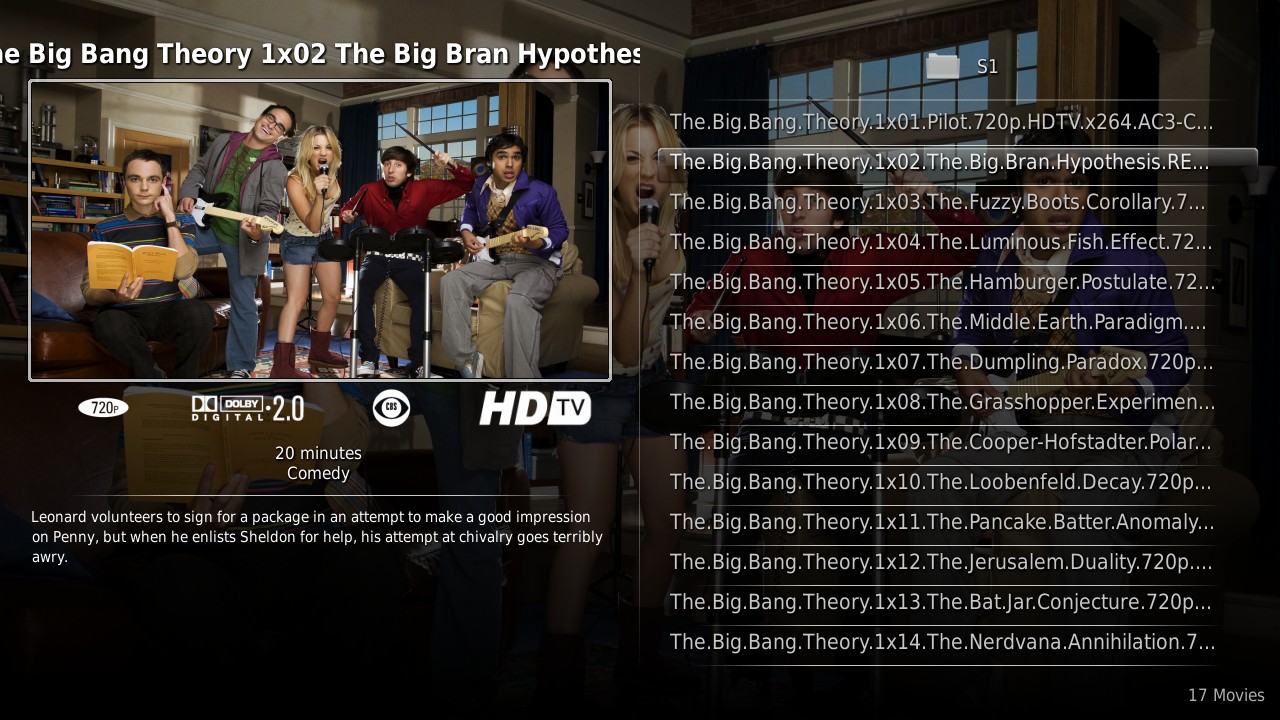
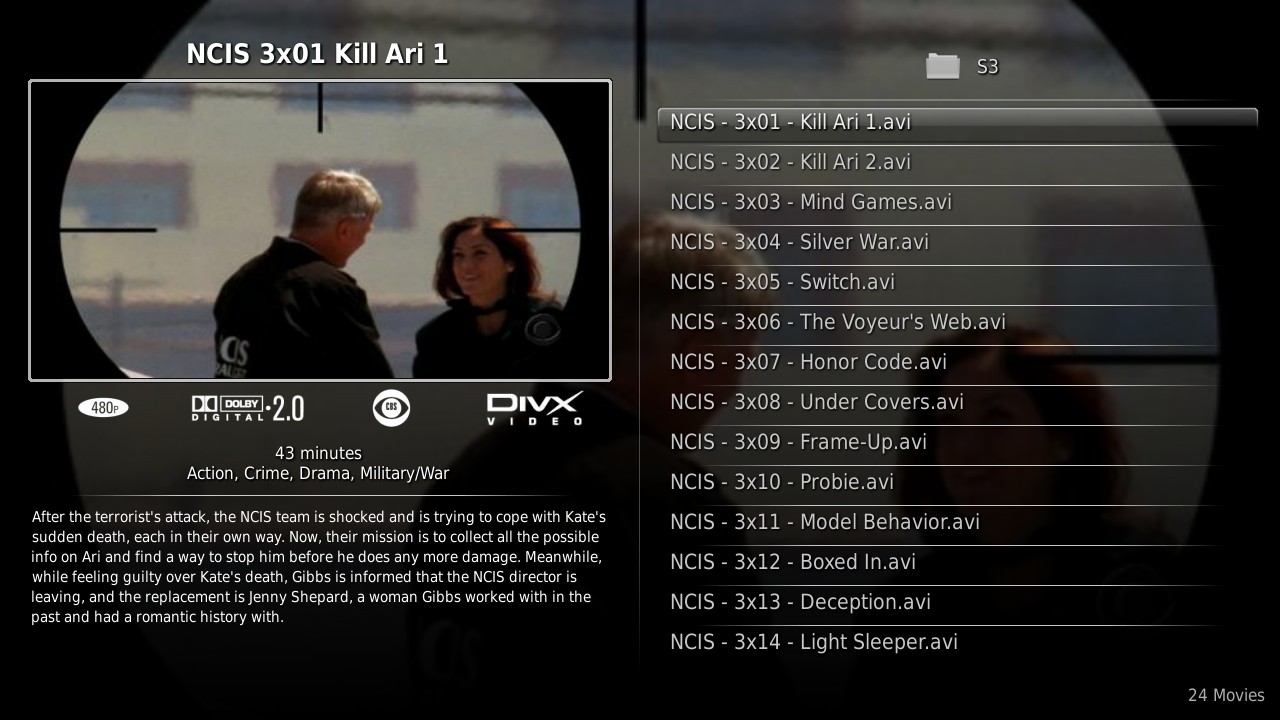
The largest group of references covers browsing, title information, feature playback, and episodic media navigation.
04 / Module
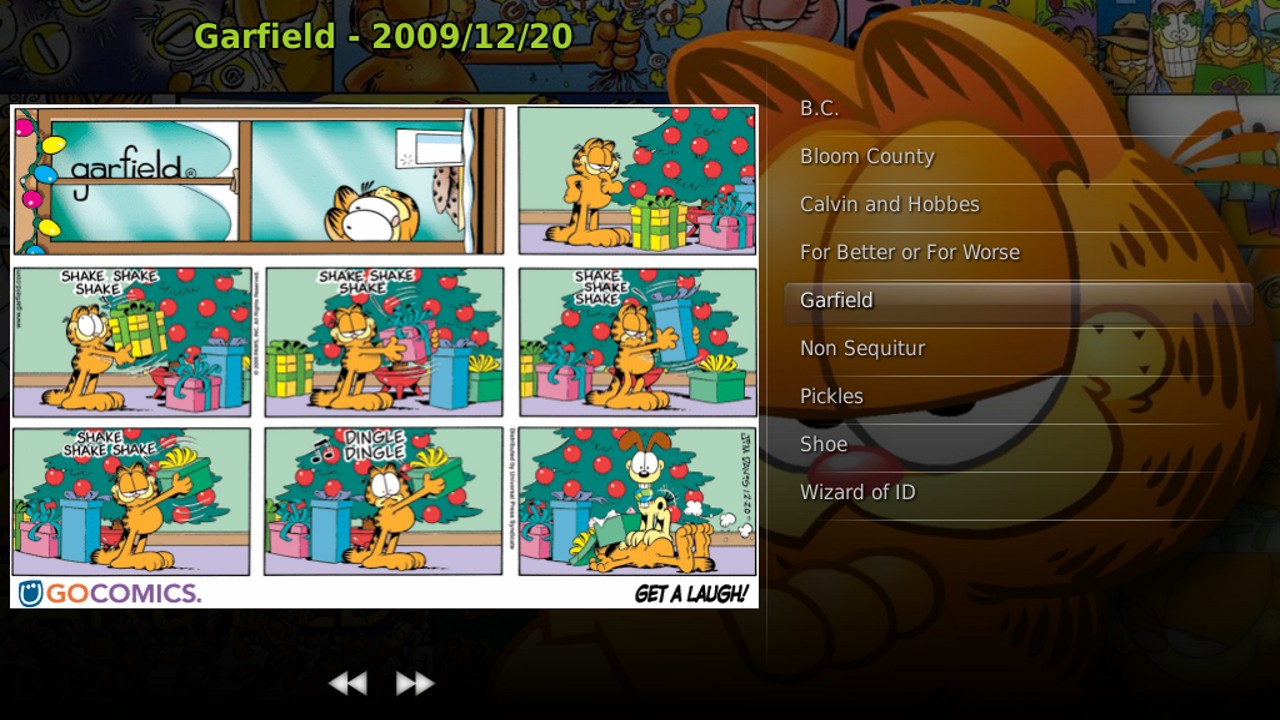
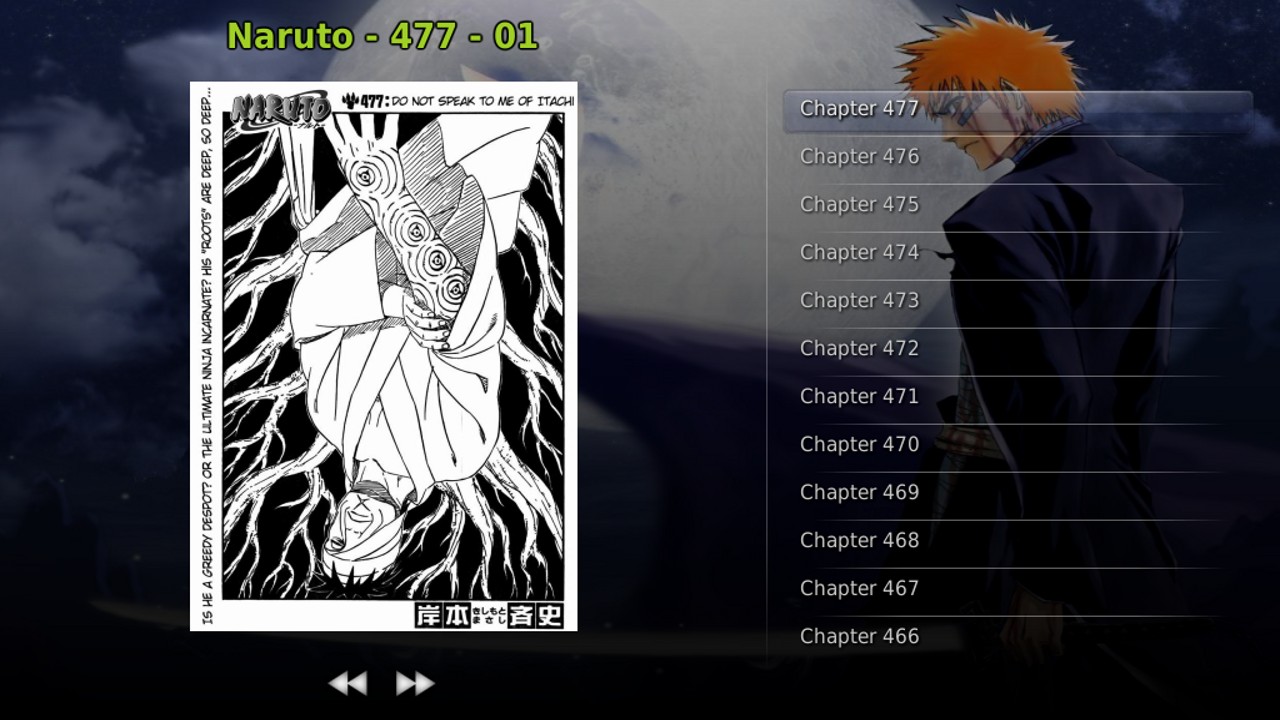
Legacy reading-service references include a category menu and examples of browsing illustrated reading material from connected sources.
05 / Module
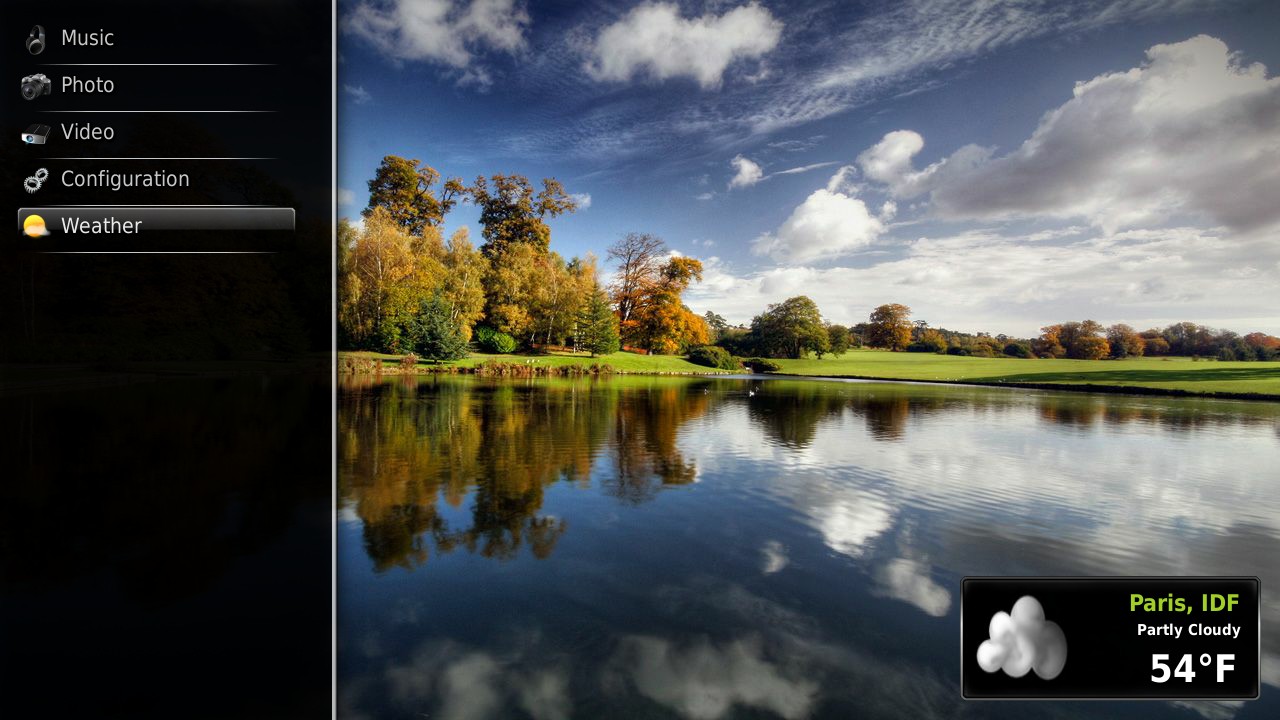
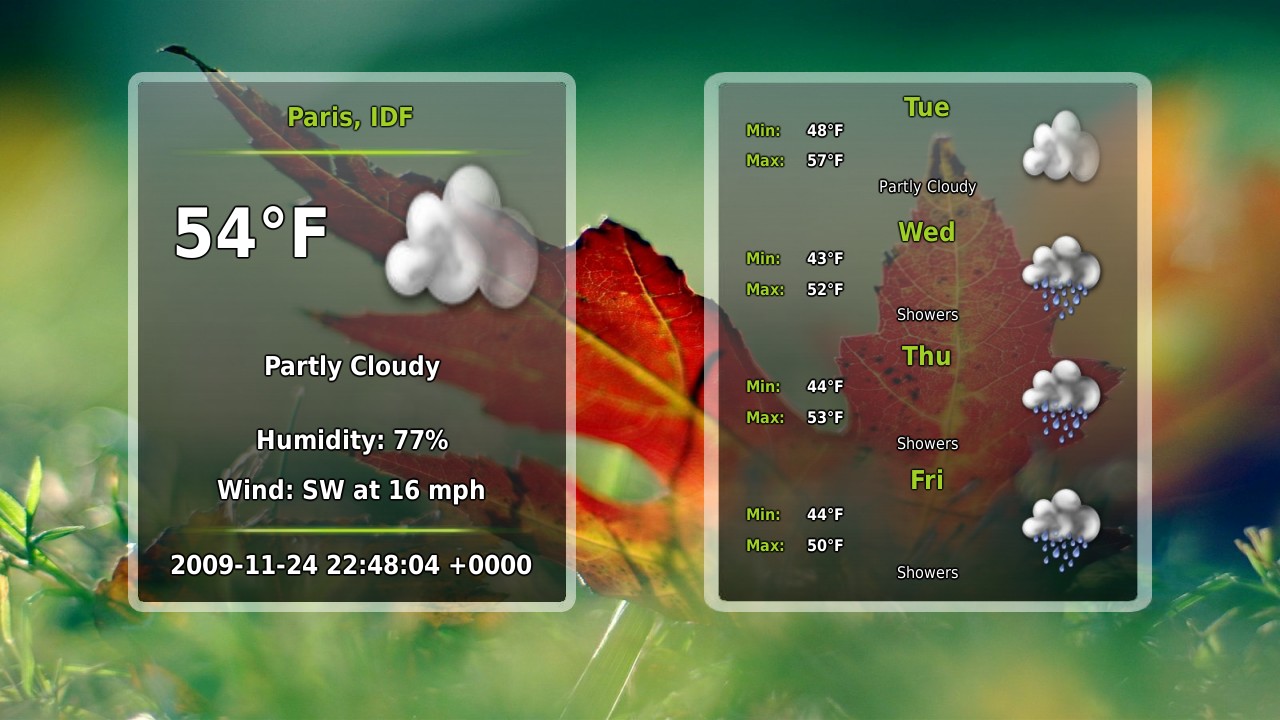
A concise module for adding forecast information to a media-focused home screen and checking conditions at a glance.
06 / Module
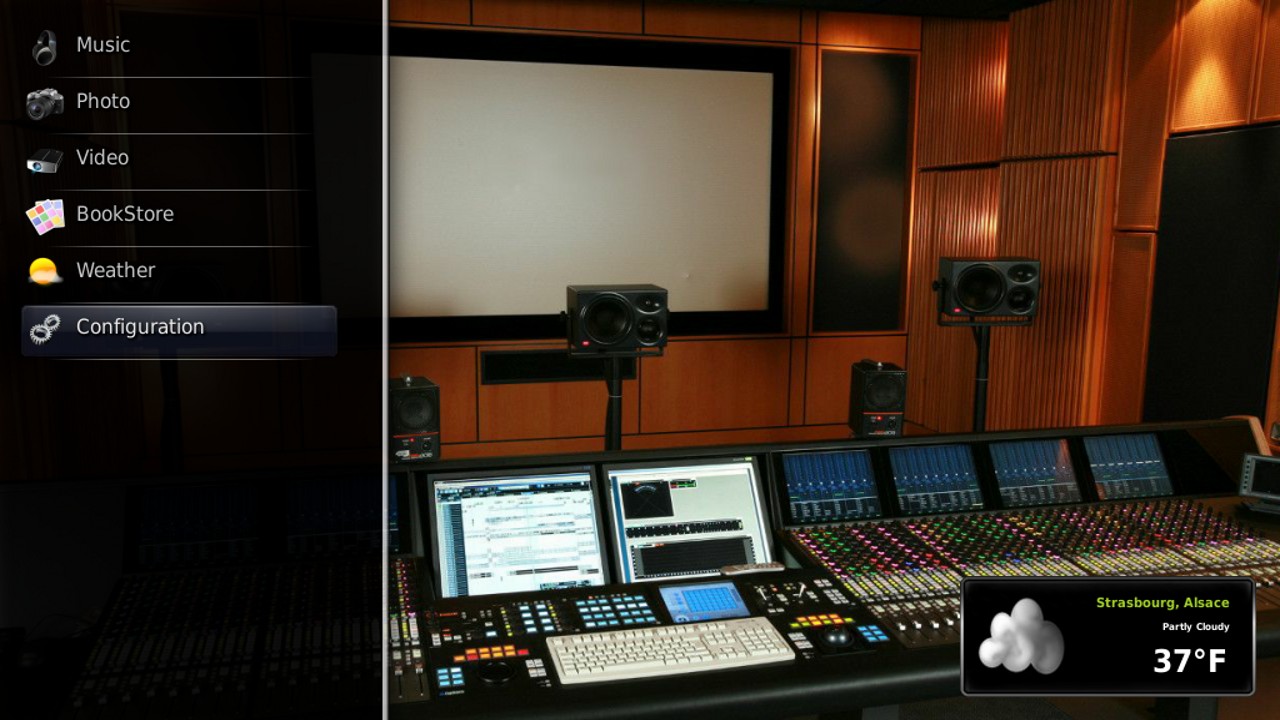
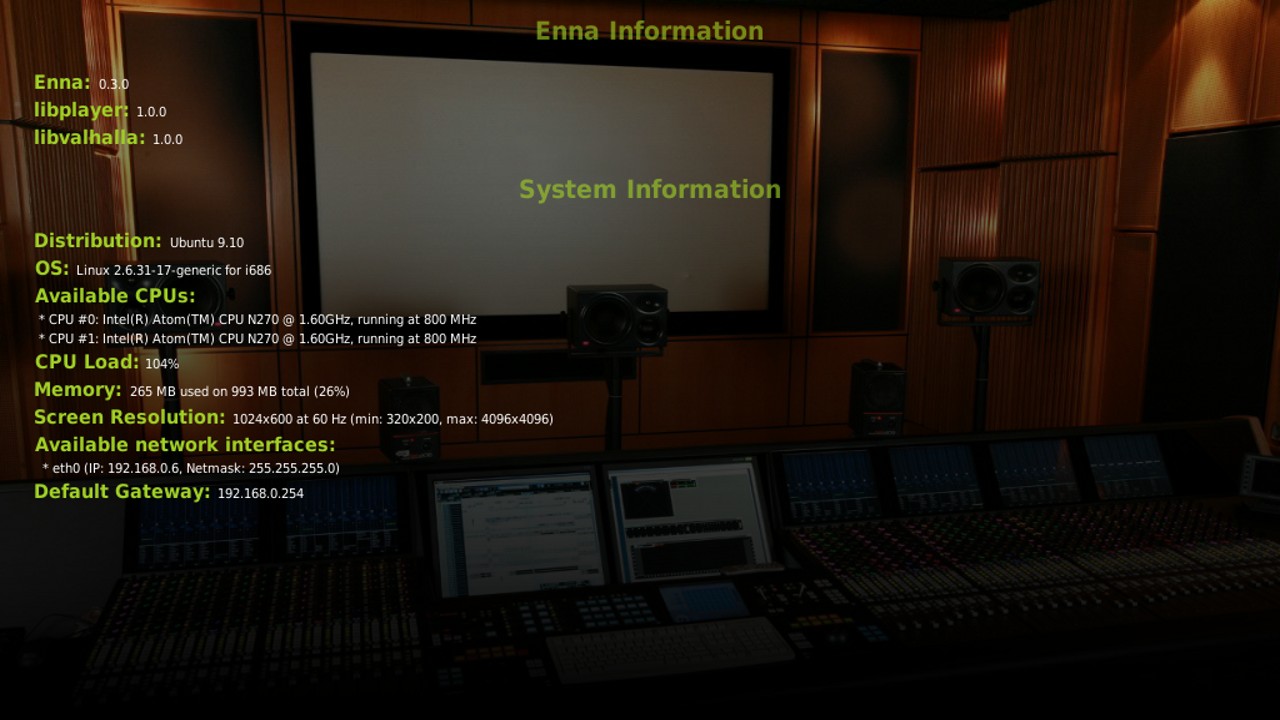
System views for reviewing settings, basic device information, and the supporting details that surround an embedded installation.
How to use this archive
Visual references are most useful when paired with the documentation, release notes, and compatibility records for a specific system.
Start with the media area or system function you are researching.
Use the captions to distinguish navigation, browsing, playback, and settings states.
Consult documentation before treating an archived view as a current capability.
Confirm that your device, display, and software combination remains compatible.
About this collection
These screenshots provide a historical interface reference for embedded media workflows. They show how modules were organized and where common functions appeared, but they do not replace current compatibility checks or setup guidance.
For practical system material, begin with the available documentation and download notes.
Common questions
They document archived interface patterns for media playback, photo browsing, video navigation, reading material, weather information, and configuration tools.
No. The collection is a visual reference. Consult the documentation and verify hardware support before making changes.
The original material organized screens around media activities and system functions. This structure helps distinguish menu views from active browsing or playback states.
Available archive resources are listed on the download page.
The forums retain technical discussion paths that may provide useful historical context.
Email info@geexbcenter.en-html.org with a clear subject and relevant technical context.